
Garry Tan Releases gstack: An Open-Source Claude Code System for Planning, Code Review, QA, and Shipping
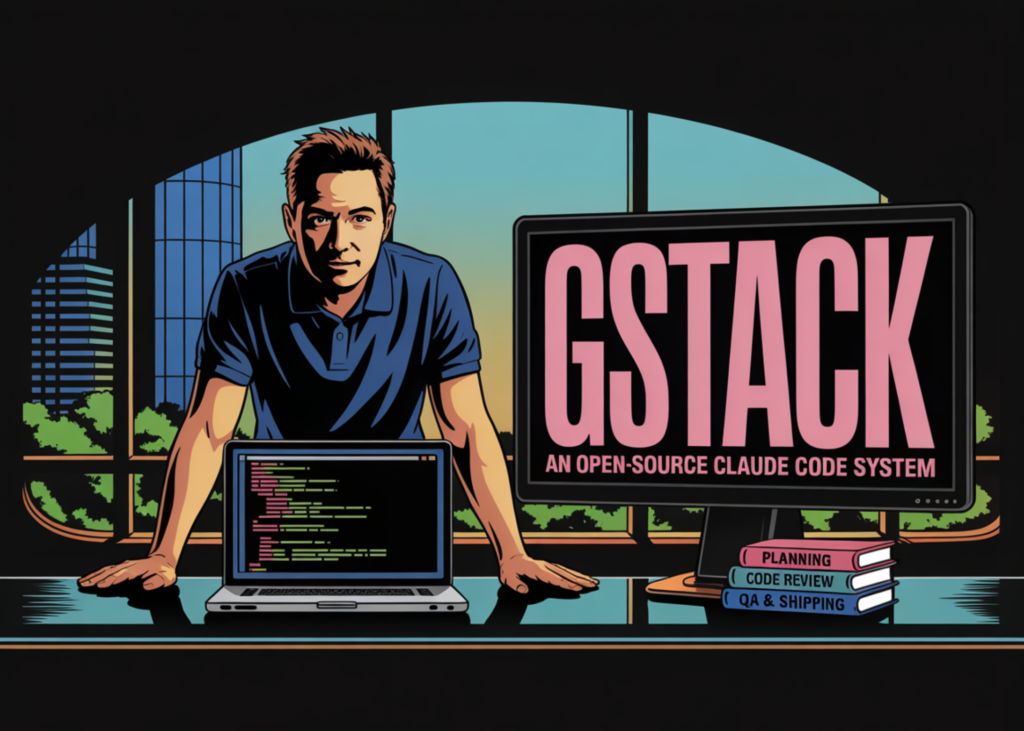
What if AI-assisted coding became more reliable by separating product planning, engineering review, release, and QA into distinct operating modes? That is the idea behind Garry Tan’s gstack, an open-source toolkit that packages Claude Code into 8 opinionated workflow skills backed by a persistent browser runtime. The tookit describes itself as ‘Eight opinionated workflow skills for Claude Code‘ and groups common software delivery tasks into distinct modes such as planning, review, shipping, browser automation, QA testing, and retrospectives. The goal is not to replace Claude Code with a new model layer. It is to make Claude Code operate with more explicit role boundaries during product planning, engineering review, release, and testing.
The 8 Core Commands
The gstack repository currently exposes 8 main commands: /plan-ceo-review, /plan-eng-review, /review, /ship, /browse, /qa, /setup-browser-cookies, and /retro. Each command is mapped to a specific operating mode. /plan-ceo-review is positioned as a product-level planning pass. /plan-eng-review is used for architecture, data flow, failure modes, and tests. /review is focused on production risk and code review. /ship is used for preparing a ready branch, syncing with main, running tests, and opening a PR. /browse gives the agent browser access, while /qa is designed for systematic testing of affected routes and flows. /setup-browser-cookies imports cookies from a local browser into the headless session, and /retro is used for engineering retrospectives.
The Persistent Browser Is the Core System
The most important technical part of gstack is not the Markdown skills. It is the browser subsystem. gstack gives Claude Code a persistent browser and that the browser is the hard part, while the rest is mainly Markdown. Instead of launching a fresh browser for every action, gstack runs a long-lived headless Chromium daemon and communicates with it over localhost HTTP. The reason is latency and state retention. A cold start costs around 3–5 seconds per tool call, while subsequent calls after startup are designed to run in roughly 100–200 ms. Because the browser stays alive, cookies, tabs, localStorage, and login state persist across commands. The server also shuts down automatically after 30 minutes of idle time.
How gstack Connects Browser Automation to QA
That daemon architecture matters for QA and browser-driven development. In many agent workflows, browser automation is a separate debugging step or a screenshot utility. In gstack, browser access is part of the core workflow. The repo describes /browse as the mode that lets the agent log in, click through the app, take screenshots, and inspect breakage. /qa builds on top of that by analyzing the branch diff, identifying affected routes, and testing the relevant pages or flows. The sample flow in the repo shows /qa inspecting 8 changed files and 3 affected routes, then testing those routes against a local app instance. This means the project is trying to tie source changes to actual application behavior instead of treating QA as a detached manual pass.
Installation Requirements and Project Layout
The repository’s implementation choices are also fairly specific. gstack requires Claude Code, Git, and Bun v1.0+. The package.json shows the current version as 0.3.3, lists Playwright and diff as runtime dependencies, and compiles a browse executable from the browse source tree. According to the repo’s README, /browse compiles a native binary and is supported on macOS and Linux, for both x64 and arm64. The install flow copies the repo into ~/.claude/skills/gstack, runs ./setup, and registers the skills for Claude Code. Teams can also copy the same setup into a repository-local .claude/skills/gstack directory so the workflow is shared inside a project.
Why the Project Uses Bun
The architecture document explains why the project uses Bun rather than a more conventional Node.js setup. There are 4 stated reasons: compiled binaries, native SQLite access, native TypeScript execution, and a built-in HTTP server with Bun.serve(). Those choices are practical rather than cosmetic. gstack reads Chromium’s SQLite cookie database directly, and Bun’s built-in database support removes the need for extra native packages. The compiled binary model also fits the repo’s install style, because users are not expected to manage a separate runtime toolchain inside ~/.claude/skills/.
Key Takeaways
gstack is a workflow layer for Claude Code, not a new model or agent framework. It packages software delivery into 8 opinionated slash-command skills for planning, review, shipping, browser automation, QA, cookie setup, and retrospectives.
The persistent browser daemon is the main technical component. gstack runs a long-lived headless Chromium process over localhost HTTP so cookies, tabs, localStorage, and login state persist across commands.
QA is tied directly to code changes. The /qa workflow analyzes branch diffs, identifies affected routes, and tests the relevant application paths instead of treating browser checks as a separate manual step.
The project is built around Bun for practical systems reasons. Bun is used for compiled binaries, native SQLite access, native TypeScript execution, and a built-in HTTP server for the browser daemon.
gstack’s contribution is operational structure. Its main value is separating product review, engineering review, code review, release, and browser-driven validation into explicit modes with narrow responsibilities.
Check out Repo here. Also, feel free to follow us on Twitter and don’t forget to join our 120k+ ML SubReddit and Subscribe to our Newsletter. Wait! are you on telegram? now you can join us on telegram as well.