
Linq’s iMessage Apps Bring Payments, Tickets, Flights, and Games Into the iMessage Bubble Through the imessage_app Part
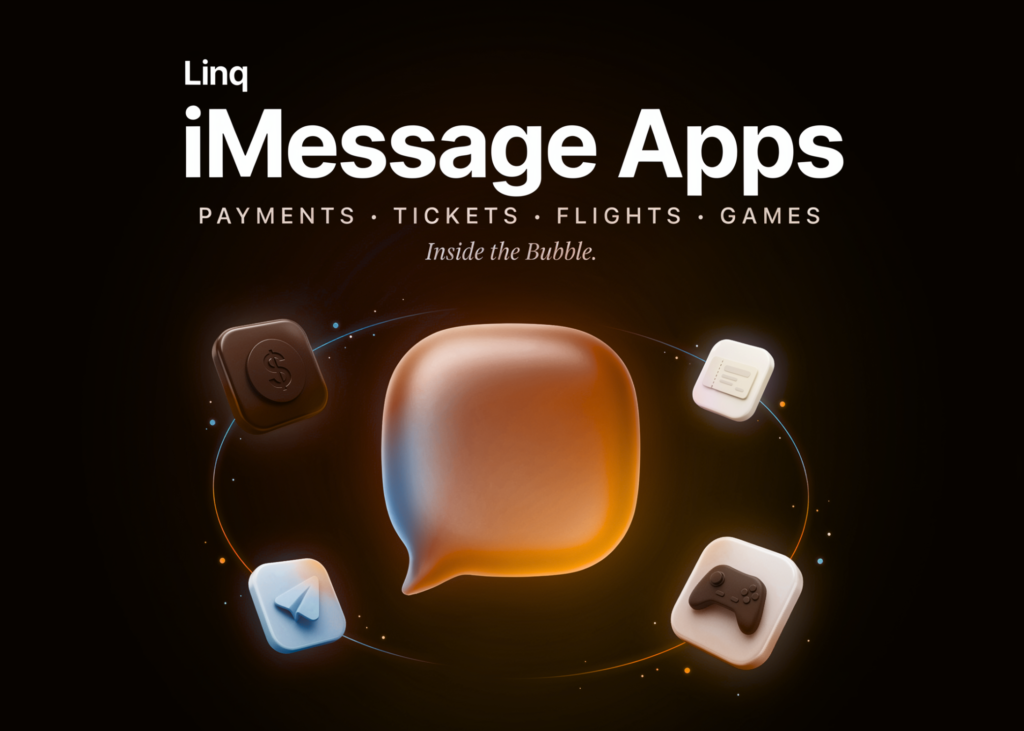
Linq developers can now build iMessage Apps. These are interactive mini-apps that run inside a iMessages conversation.
A user can shop, play a game, book a flight, or pay. None of it requires leaving the iMessage thread. There is no deep link to an external browser. There is no ‘tap here to finish in the app.’
Previously, an agent’s main API option was to send a link. The user then had to follow it somewhere else. iMessage Apps remove that handoff.
TL;DR
Linq’s new imessage_app part renders tappable, interactive cards directly inside an iMessage thread.
One card handles full workflows: games, payments, tickets, flights, music, and dating.
Cards update in place via /messages/{id}/update, so state changes redraw the same bubble.
An interactive flag toggles the live experience versus a static caption-only layout card.
It’s iMessage-only with no SMS/RCS fallback, and rich rendering needs your app installed.
iMessage Apps
An iMessage App is a tappable card that opens an interactive experience in place. The card becomes your app inside the bubble.
Technically, it is a new message part with type: “imessage_app”. This replaces the text, media, and link parts you already use. An installed Messages extension draws the rich content from a url you provide.
Linq is the messaging-infrastructure startup behind the API. Its platform lets AI agents message users over iMessage, RCS, and SMS.
How It Works
A few details decide whether your first card renders correctly.
The app identity is the rendering key: The app object carries team_id and bundle_id. Those fields tell Messages which extension renders the card. team_id is the app’s 10-character uppercase identifier. You usually pass your own app’s identity.
There is one common failure mode here. An unrecognized identity silently renders as plain text. If team_id and bundle_id do not match an installed extension, the card falls back to your caption. No error is thrown.
You control captions; the app controls the image: The layout object holds the text drawn on the card. There is no image field. The photo, icon, and interactive UI come from your extension.
At least one field must be set. Otherwise the card renders as an empty bubble. Messages treats the url as opaque, so changing the url changes what the card shows.
An interactive flag controls live versus static. It defaults to true. With true, recipients who have your app see the live card. Set it to false to always show the static layout card instead.
Install state and the flag together decide the result. Three outcomes are possible:
Has your app, interactive: true → the extension renders the rich card from your url.
Has your app, interactive: false → the recipient sees the static layout card.
No app → the recipient sees your layout captions. Set app_store_id to add a Get the app affordance.
Implementation: Sending and Updating a Card
Send a card with Create Chat, or post it into an existing chat with Send Message.
-H “Authorization: Bearer $LINQ_API_KEY” \
-H “Content-Type: application/json” \
-d ‘{
“from”: “+12052535597”,
“to”: [“+12052532136”],
“message”: {
“parts”: [
{
“type”: “imessage_app”,
“app”: {
“name”: “Example App”,
“team_id”: “A1B2C3D4E5”,
“bundle_id”: “com.example.app.MessageExtension”
},
“url”: “https://app.example.com/card?id=abc123”,
“fallback_text”: “Open in Example App”,
“layout”: {
“caption”: “Example App”,
“subcaption”: “You said: hello”
}
}
]
}
}’
Updates are the interesting primitive. A delivered card can be replaced in place by referencing the original message. This is how a game move redraws a board.
-H “Authorization: Bearer $LINQ_API_KEY” \
-H “Content-Type: application/json” \
-d ‘{
“url”: “https://app.example.com/card?game=7f3a&move=2”,
“fallback_text”: “Score update”,
“layout”: { “caption”: “Score: 2 – 1” }
}’
A few rules govern updates. Only url, fallback_text, interactive, and layout can change. The app identity stays fixed for the card’s life. The card must already be delivered.
You can update only an imessage_app card you sent. Inbound cards cannot be updated, and the call returns 400. A 409 means the card is not delivered yet. Retry after the message.delivered webhook.
Each update is delivered as a new message with its own ID. The interactive flag is not inherited, so resend it each time. To update again, reference the new message ID.
You can also receive cards. Inbound messages include an imessage_app part in the message.received webhook.
What You Can Build
Linq frames these as examples, not a fixed menu. Try each one yourself in the interactive demo below (created by Marktechpost).
Games: Send a move and redraw the board. A live match becomes a sequence of updates to one bubble.
Payments: Send a checkout or request-to-pay as a card. The recipient completes it without a redirect.
Tickets: A card can move from “Going / Not going” to a confirmed ticket in place.
Flight booking: Surface a fare, let the user pick a seat, then update the card to a boarding pass.
Music. Drop a track and let people play it inline. The card is a player, not a link.
Dating: Let users swipe profiles and explore matches where they already talk.
iMessage Apps vs Other Message Parts
The imessage_app part trades reach for interactivity. This table shows the tradeoff:
If you need an image everyone can see, use media or a rich link. That is a different tool for a different job.
Strengths and Weaknesses
Strengths
In-place updates turn one card into a stateful, multi-step workflow.
The interactive workflow runs in the thread, with no browser redirect.
The API surface is small: send, update, receive, plus webhooks.
Captions give a graceful, predictable fallback for recipients without the app.
Weaknesses
iMessage only, with no SMS or RCS fallback, limits global reach.
Rich rendering depends on the recipient installing your Messages extension.
The team_id and bundle_id failure mode is silent, not loud.
It builds on Apple’s platform, which carries the usual platform risk.
Check out the Technical details. Also, feel free to follow us on Twitter and don’t forget to join our 150k+ML SubReddit and Subscribe to our Newsletter. Wait! are you on telegram? now you can join us on telegram as well.
Need to partner with us for promoting your GitHub Repo OR Hugging Face Page OR Product Release OR Webinar etc.? Connect with us