
Meet OmniVoice Studio: A Local, Open-Source Alternative to ElevenLabs
5 months ago CryptoExpert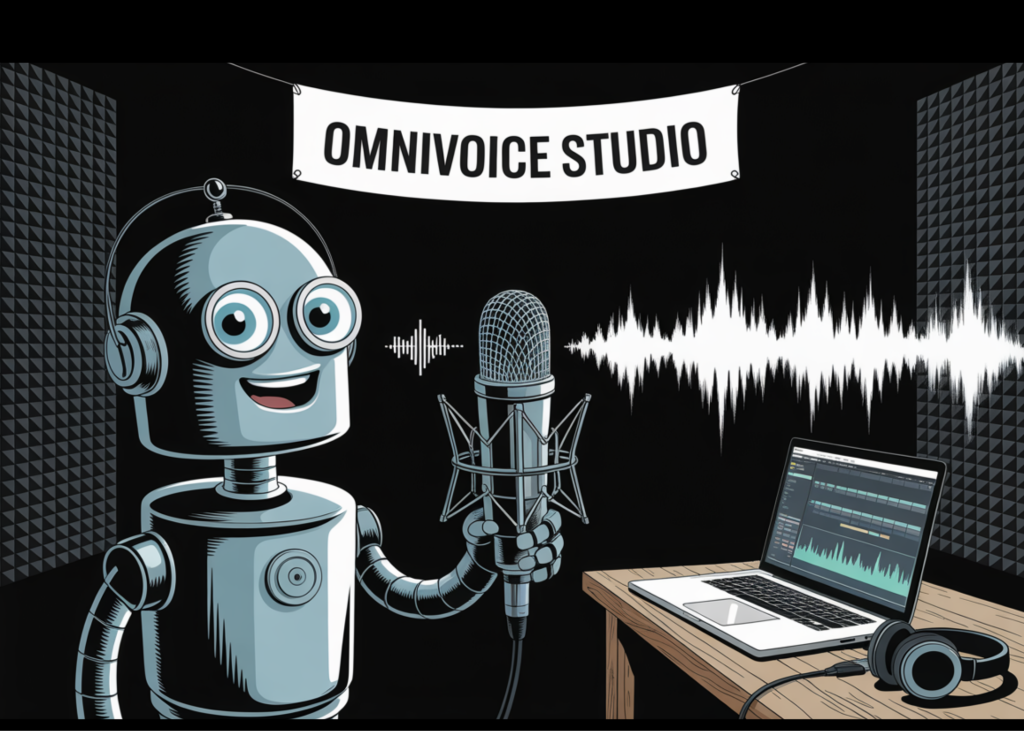
OmniVoice Studio — How to Use It
01 / 08
What Is OmniVoice Studio?
OmniVoice Studio is an open-source desktop application for voice cloning, video dubbing, real-time dictation, and speaker diarization. Everything runs locally on your machine. No API keys, no cloud account, no subscription required.
646 languages supported for TTS via the default OmniVoice engine
99 languages for transcription via WhisperX
Available on macOS, Windows, and Linux
GPU is optional — full pipeline runs on CPU
Free for personal, educational, and research use (FSL-1.1-ALv2)
OmniVoice Studio — How to Use It
02 / 08
System Requirements
A GPU is optional. Without one, TTS runs approximately 3× slower on CPU. With ≤8 GB VRAM, TTS automatically offloads to CPU during transcription — no config needed.
ComponentMinimumRecommended
OSWin 10 / macOS 12+ / Ubuntu 20.04+Any modern 64-bit OS
RAM8 GB16 GB+
VRAM4 GB (auto-offloads)8 GB+ (RTX 3060+)
Disk10 GB free20 GB+ SSD
Python3.10+3.11–3.12
GPUOptionalCUDA / MPS / ROCm
OmniVoice Studio — How to Use It
03 / 08
Installation
The project recommends running from source. Install three prerequisites first: ffmpeg, Bun (JS runtime), and uv (Python package manager).
git clone https://github.com/debpalash/OmniVoice-Studio.git
cd OmniVoice-Studio
uv sync
bun install
bun dev
Frontend loads at http://localhost:5173 | API runs on port 8000.Model weights download automatically on first generation.
Pre-built installers available: macOS DMG, Windows MSI, Linux AppImage and .deb — see the Releases page on GitHub.
OmniVoice Studio — How to Use It
04 / 08
Voice Cloning
Voice cloning uses zero-shot learning — it clones a voice from a clip as short as 3 seconds, without prior training on that voice. The default OmniVoice engine conditions a diffusion-based TTS model on the reference audio.
Go to the Voice Clone tab in the UI
Upload or record a 3-second audio clip of the target voice
Enter your text and select a target language (646 available)
Click Generate — output is saved to your project library
Voice Gallery: Search YouTube, browse categories, and download reference clips directly inside the app to build your voice library.
OmniVoice Studio — How to Use It
05 / 08
Video Dubbing
The full dubbing pipeline runs locally: transcribe → translate → synthesize → mux. Demucs isolates vocals so the original background audio is preserved in the final export.
Go to the Dub tab — paste a YouTube URL or upload a local file
WhisperX transcribes speech with word-level alignment
Select a target language; translation runs automatically
TTS engine re-voices the transcript; Demucs preserves background audio
Export the final MP4 with dubbed audio mixed in
Batch Queue: Drop up to 50 videos and walk away. Each job has its own progress bar tracking through the full pipeline.
OmniVoice Studio — How to Use It
06 / 08
Dictation & Speaker Diarization
Dictation works system-wide from any application. Diarization identifies individual speakers in a multi-speaker audio file using Pyannote + WhisperX.
Press ⌘+⇧+Space (macOS) to open the floating dictation widget
Speech streams via WebSocket and auto-pastes into the active input field
Upload a multi-speaker file to the Diarization tab
Pyannote identifies who said what; each speaker gets an auto-extracted voice profile
Assign a TTS voice per speaker for per-speaker dubbing
Hugging Face token required for Pyannote diarization. See docs/setup/huggingface-token.md in the repo.
OmniVoice Studio — How to Use It
07 / 08
TTS Engines
Six TTS engines are built in. Switch via Settings → TTS Engine or the env var:OMNIVOICE_TTS_BACKEND=cosyvoice
EngineLanguagesClonePlatform
OmniVoice (default)600+✓CUDA / MPS / CPU
CosyVoice 39 + 18 dialects✓CUDA / MPS / CPU
MLX-AudioMultiVariesApple Silicon only
VoxCPM230✓CUDA / MPS / CPU
MOSS-TTS-Nano20✓CUDA / CPU
KittenTTSEnglish✗CPU only
Custom engine: Subclass TTSBackend in backend/services/tts_backend.py and add it to _REGISTRY. ~50 lines of Python.
OmniVoice Studio — How to Use It
08 / 08
MCP Server & Resources
OmniVoice Studio ships a built-in MCP Server, exposing voice and dubbing capabilities to any MCP-compatible client — Claude, Cursor, or your own tooling — without opening the desktop UI.
MCP Server starts alongside the FastAPI backend on bun dev
Point your MCP client at the local server to access all endpoints
AudioSeal (Meta) embeds an invisible neural watermark in all generated audio for AI provenance
GitHub: github.com/debpalash/OmniVoice-Studio
Install docs: docs/install/ (macos / windows / linux / docker)
Troubleshooting: docs/install/troubleshooting.md
Discord: discord.gg/bzQavDfVV9