
xAI Ships Grok Build Plugin Marketplace With MongoDB, Vercel, Sentry, Chrome DevTools, Cloudflare, and Superpowers Plugins at Launch
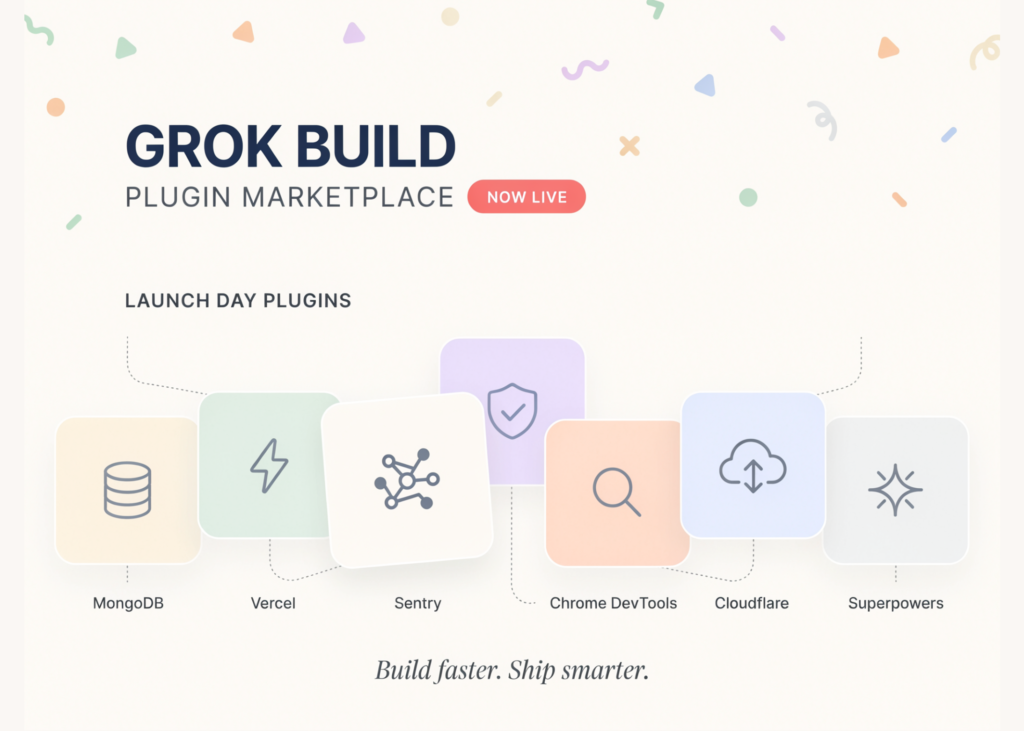
Today, xAI shipped the Grok Build Plugin Marketplace. It is a built-in catalog of plugins for Grok Build, the company’s terminal coding agent. A plugin bundles skills, slash commands, agents, hooks, MCP servers, and LSPs into one package. You browse, install, and update these packages without leaving the terminal.
Plugin Marketplace
Grok Build is xAI’s coding agent and CLI for software engineering work. The marketplace adds a discovery and distribution layer on top. Before this, developers wired up each integration one at a time. Now a single command pulls a complete bundle into the agent. The catalog lives in the open repo xai-org/plugin-marketplace on GitHub. That repo is an index. It points at plugin sources so Grok Build can fetch them.
Inside a Plugin
A plugin is a directory bundling any combination of six component types. Each type maps to a specific file or folder. The table below lists them.
An optional plugin.json manifest adds metadata or overrides component paths. So one install can extend the agent in several ways at once.
How Installation Works
Inside Grok Build, type /marketplace to browse the catalog. Press i to install a selected plugin. You can also run commands directly from the shell:
grok plugin install <name> –trust
The install command carries a –trust flag. That matters because plugins can execute code and access data on your system.
Launch Plugins and Use Cases
The marketplace opens with six plugins from partners across the stack. Each targets a concrete workflow.
MongoDB — explore data, manage collections, and optimize queries.
Vercel — manage deployments, check build status, and configure domains.
Sentry — analyze stack traces and debug production errors.
Chrome DevTools — control a live browser, record performance traces, and inspect network requests.
Cloudflare — skills for Workers, Durable Objects, and more.
Superpowers — popular agent-driven workflows.
Example: a data scientist hits a slow MongoDB query. They install the MongoDB plugin, then ask the agent to optimize it. Example: a frontend engineer installs Chrome DevTools to inspect network requests during a failing render. Example: an on-call engineer installs Sentry to triage a stack trace from production.
The Security Model: SHA Pinning
Every remote plugin pins a full 40-character lowercase commit SHA. Grok Build re-verifies git rev-parse HEAD == sha after cloning. Without a pin, a force-push or repo compromise could ship new code silently. The pin closes that path at install time. The repo also separates first-party plugins, maintained by xAI, from third-party ones. xAI states it does not author, control, or verify third-party plugins. They ship AS-IS, and you install at your own risk.
Publishing Your Own Plugin
The catalog is open to contributions. To add a plugin, edit .grok-plugin/marketplace.json and open a pull request. A remote entry looks like this:
“name”: “my-plugin”,
“description”: “What the plugin does.”,
“category”: “development”,
“source”: {
“source”: “url”,
“url”: “https://github.com/my-org/my-plugin.git”,
“sha”: “0000000000000000000000000000000000000000”
},
“homepage”: “https://github.com/my-org/my-plugin”,
“keywords”: [“my-plugin”]
}
A generated plugin-index.json records each plugin’s components. You never hand-edit that file. Regenerate it with python3 scripts/generate-plugin-index.py. CI runs the same script with –check and fails on stale files.
How It Compares
The bundling idea echoes other agent tooling, such as Claude Code. The table maps the marketplace against a raw MCP setup.
Note: the table reflects documented design, not a hands-on benchmark.
Strengths and Trade-offs
Strengths
One install adds skills, commands, agents, hooks, MCP, and LSP support.
SHA pinning gives a concrete supply-chain guard for executable code.
The open catalog lowers the bar to contribute a plugin.
Trade-offs
Grok Build access still sits behind paid SuperGrok and X Premium Plus tiers.
The catalog is small at launch, with six plugins.
xAI verifies the pin, not plugin behavior, so trust still falls on you.
Key Takeaways
xAI launched the Grok Build Plugin Marketplace on June 11, 2026, built into the terminal.
One plugin bundles skills, slash commands, agents, hooks, MCP servers, and LSPs into a single install.
Launch catalog ships six plugins: MongoDB, Vercel, Sentry, Chrome DevTools, Cloudflare, and Superpowers.
Every remote plugin pins a 40-character commit SHA, which Grok Build re-verifies after cloning.
The catalog is open via pull request, but xAI does not verify third-party plugins.
Check out the Technical details and GitHub Page. Also, feel free to follow us on Twitter and don’t forget to join our 150k+ ML SubReddit and Subscribe to our Newsletter. Wait! are you on telegram? now you can join us on telegram as well.
Need to partner with us for promoting your GitHub Repo OR Hugging Face Page OR Product Release OR Webinar etc.? Connect with us
Michal Sutter is a data science professional with a Master of Science in Data Science from the University of Padova. With a solid foundation in statistical analysis, machine learning, and data engineering, Michal excels at transforming complex datasets into actionable insights.